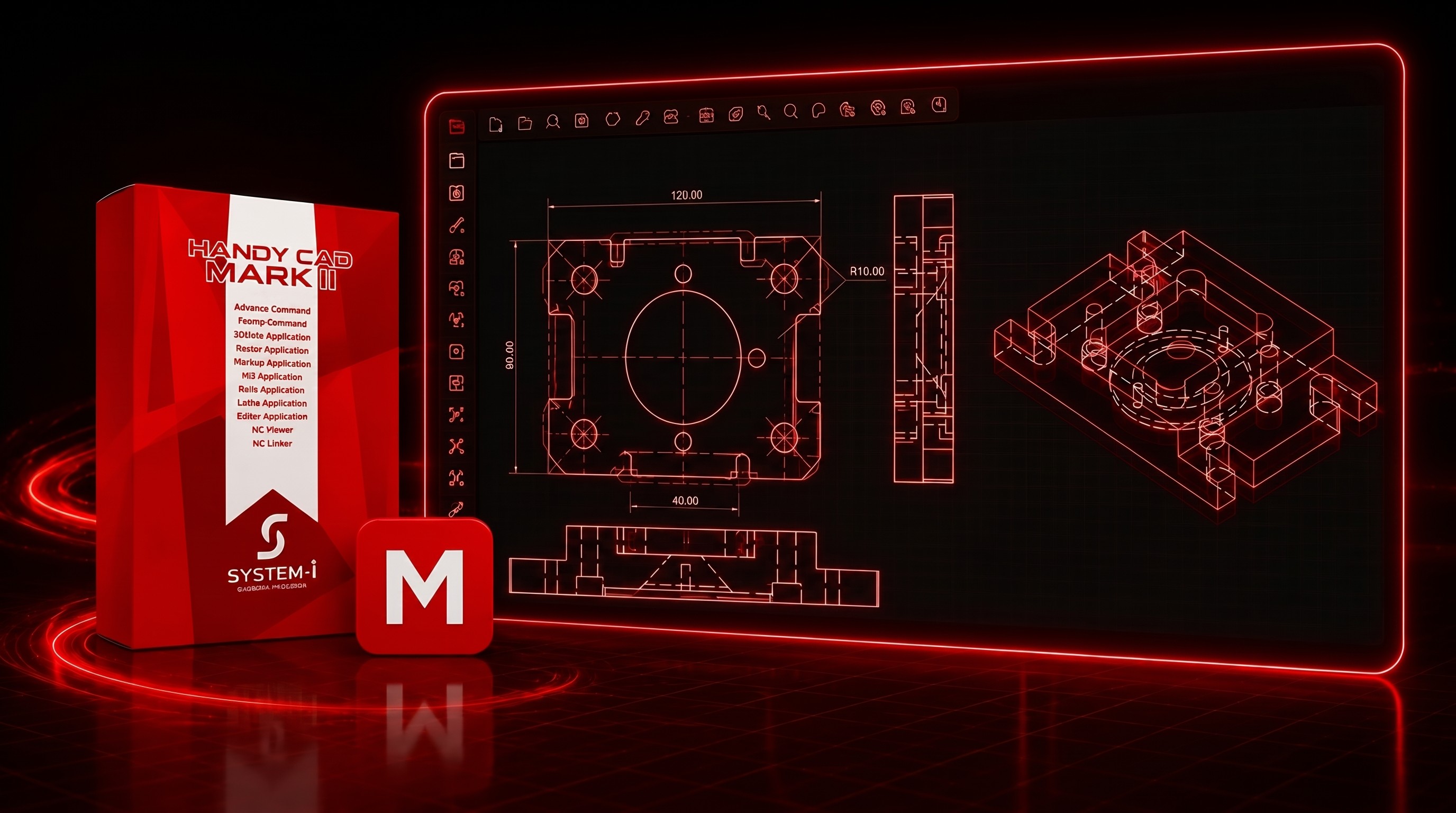


HandyCAD Mark II
CAD system built for real manufacturing workflows and everyday production use
Engineered for CNC production environments where accuracy, format compatibility, and production continuity are critical. It delivers a unified 2D CAD-to-production workflow that minimizes redraw loss and ensures reliable shop-floor execution without compromise.
Industry-leading compatibility with a wide range of file formats
HandyCAD Mark II provides over 20 standard direct format converters, supporting full-version DXF/DWG interoperability with high precision. It maintains layout structure and dimension integrity, and includes SXF, Adobe Illustrator (AI), and JW_CAD compatibility, with batch processing for bulk conversion and printing.
Precision-optimized efficiency at every input
Coordinate and element input can be performed simultaneously without mode switching, keeping the workflow continuous. Loop recognition enables one-click selection of closed regions. The Command Property system unifies all operations with parameter-level controls, making complex commands consistent and easy to use.
Maximum value from the moment of installation
HandyCAD Mark II includes the Advanced Command Suite, Fcomp Command (form comparison), and 3D Gate module (3D-to-2D conversion) as standard, providing immediate access to extended command libraries and geometry comparison from deployment. It delivers full 2D CAD/CAM capability with scalable configuration for standardized multi-site engineering workflows.
Comprehensive CAD to 2D CAM Integration
A high-performance CAD-to-2D CAM integration platform for unified machining workflows. Optimized for mold, plate, resin, and woodworking applications, it supports drilling, pocketing, engraving, router machining, and freeform contour processing with advanced UV surface-based toolpath generation for precise NC data creation.
Add-ons & Extensions
Expand Your Capabilities with Specialized Add-Ons
HandyCAD Mark II features an open add-on architecture that extends the core CAD platform into specialized manufacturing workflows, including Advanced Command, Fcomp Command, and 3D Gate for drawing management, as well as CAM modules for milling, wire EDM, lathe, and router operations. All add-ons integrate natively within the system without separate application launch.
Note: 3D Gate are available as optional add-ons with additional cost.
Note: Mill, Wire, Lathe, and Router CAM modules are available as optional add-ons with additional cost.
Advanced Command
★ Included in International Package
Fcomp Command
★ Included in International Package
3DGate Application
Mill Application
Wire Application
Lathe Application
Learn More →
Router Application
How It Fits Your Workflow
How HandyCAD Mark II Fits Your Workflow
Step 1
Draw
Step 2
Make
Step 3
Verify
Step 4
Solve
Step 5
Choose
SPECIFICATIONS

System Requirements
Common questions
What file formats can HandyCAD Mark II open and export?
HandyCAD Mark II includes over 20 built-in direct format converters, supporting import and export of DXF/DWG (all versions), SXF, Adobe Illustrator (.ai), and JW_CAD files. Cloud licensing enables multi-location team access.
How does the Microsoft Office integration work in practice?
What are Advanced Command, Fcomp Command, and 3D Gate commands in HandyCAD Mark II?
How does HandyCAD Mark II handle large or complex drawing files?
What happens if my computer crashes while I'm working in HandyCAD Mark II?
Start Free Trial
Try HandyCAD Mark II for 30 Days