

pipo
Clear Workforce Visibility, Without the Complexity
pipo is built to simplify the complexity of multi-site attendance, not by adding more tools, but by removing unnecessary ones. It delivers a simple, reliable system that works seamlessly on the factory floor, empowering managers, HR teams, and operations leaders with accurate, real-time workforce data for informed decision-making.
Built for Real Workplace Environments
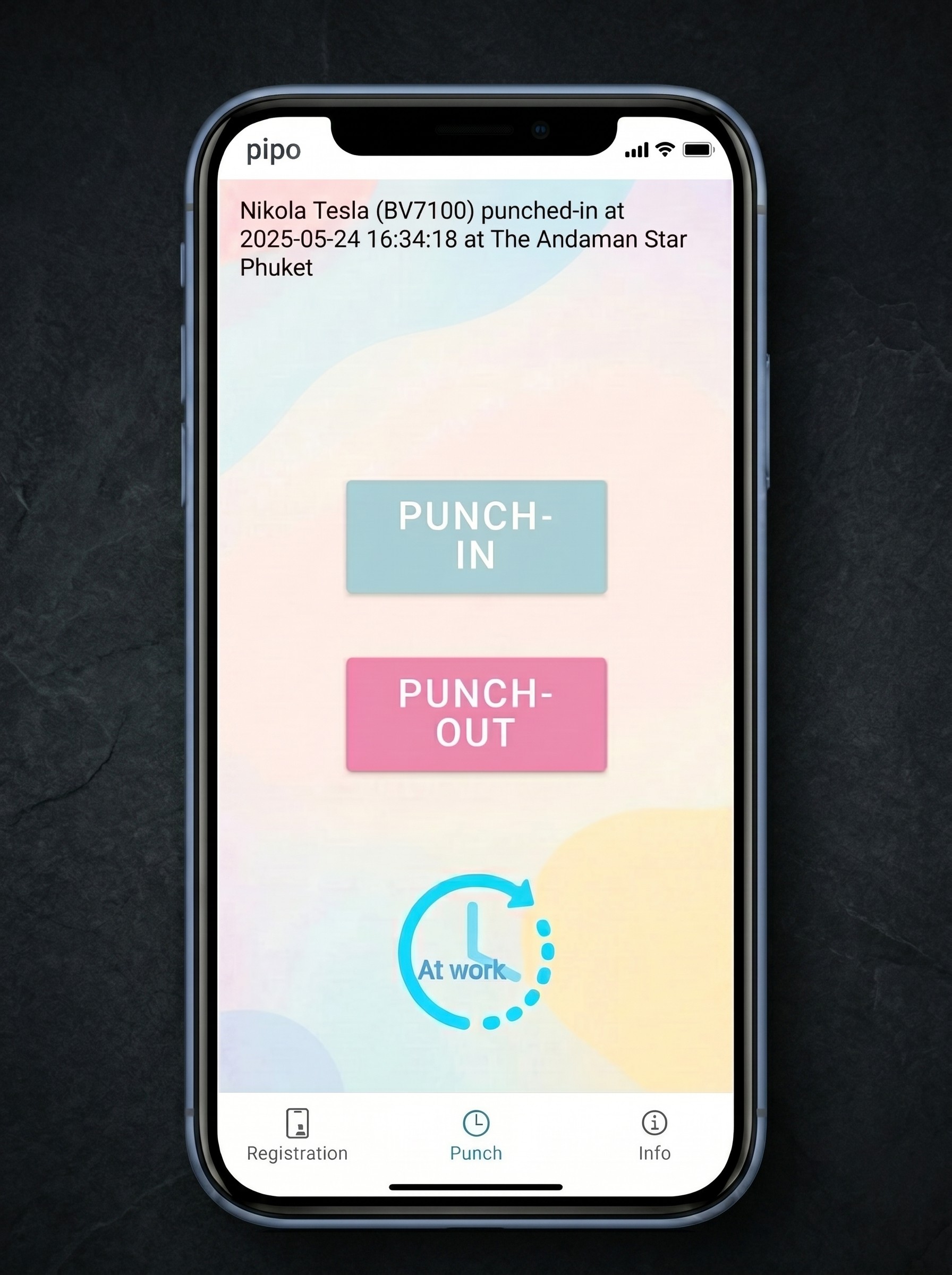
The system is designed to support international workforce management and the operational needs of distributed organizations. A single tap enables instant employee clock-in and clock-out without passwords or complex authentication steps. Each punch-in and punch-out event is automatically time-stamped and GPS geo-tagged, generating accurate, tamper-resistant attendance data with verifiable location-based tracking.
Language Support
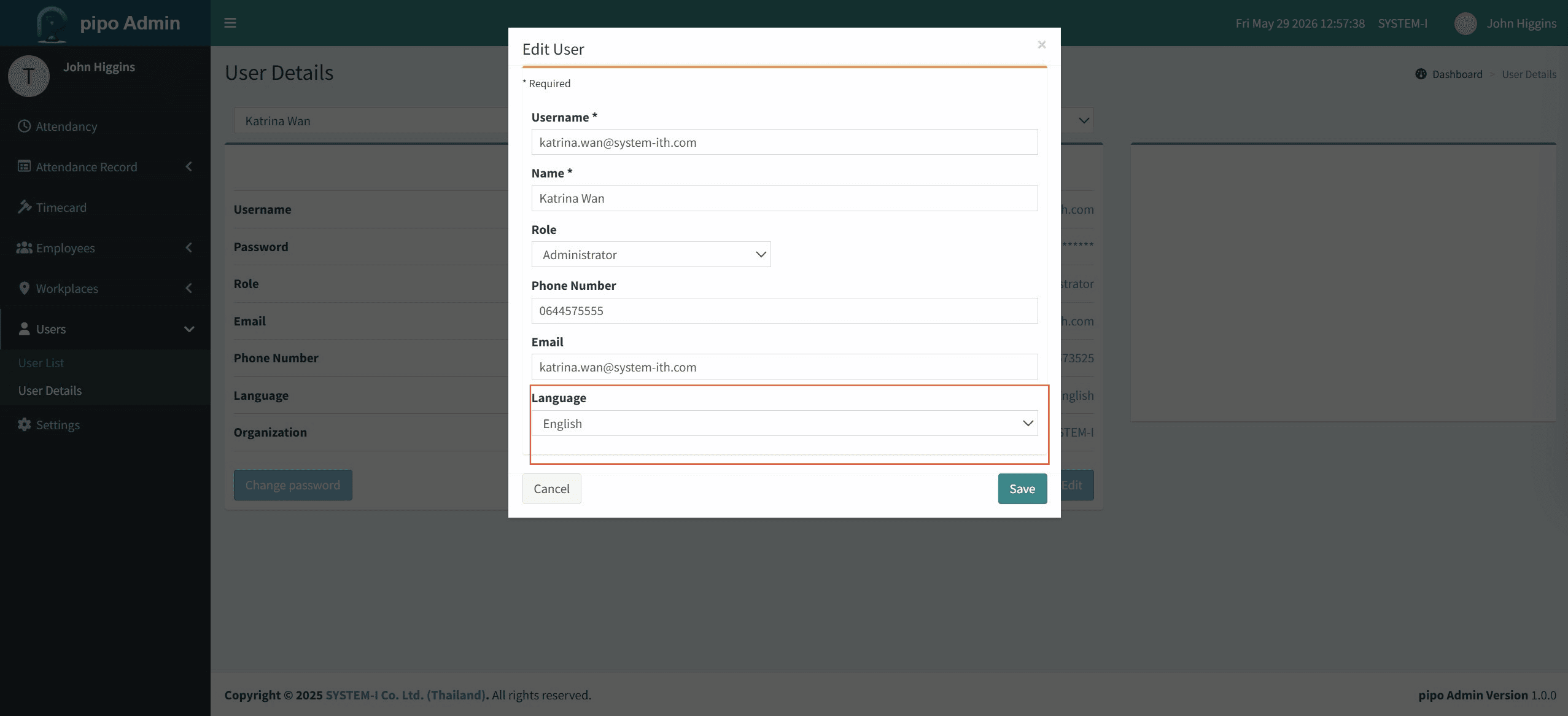
pipo provides full platform localization in English, Thai, and Japanese, enabling role-based users across HR, supervision, and operations to interact in their preferred language without additional configuration.
Real-Time Attendance & Multi-Site Workforce Management
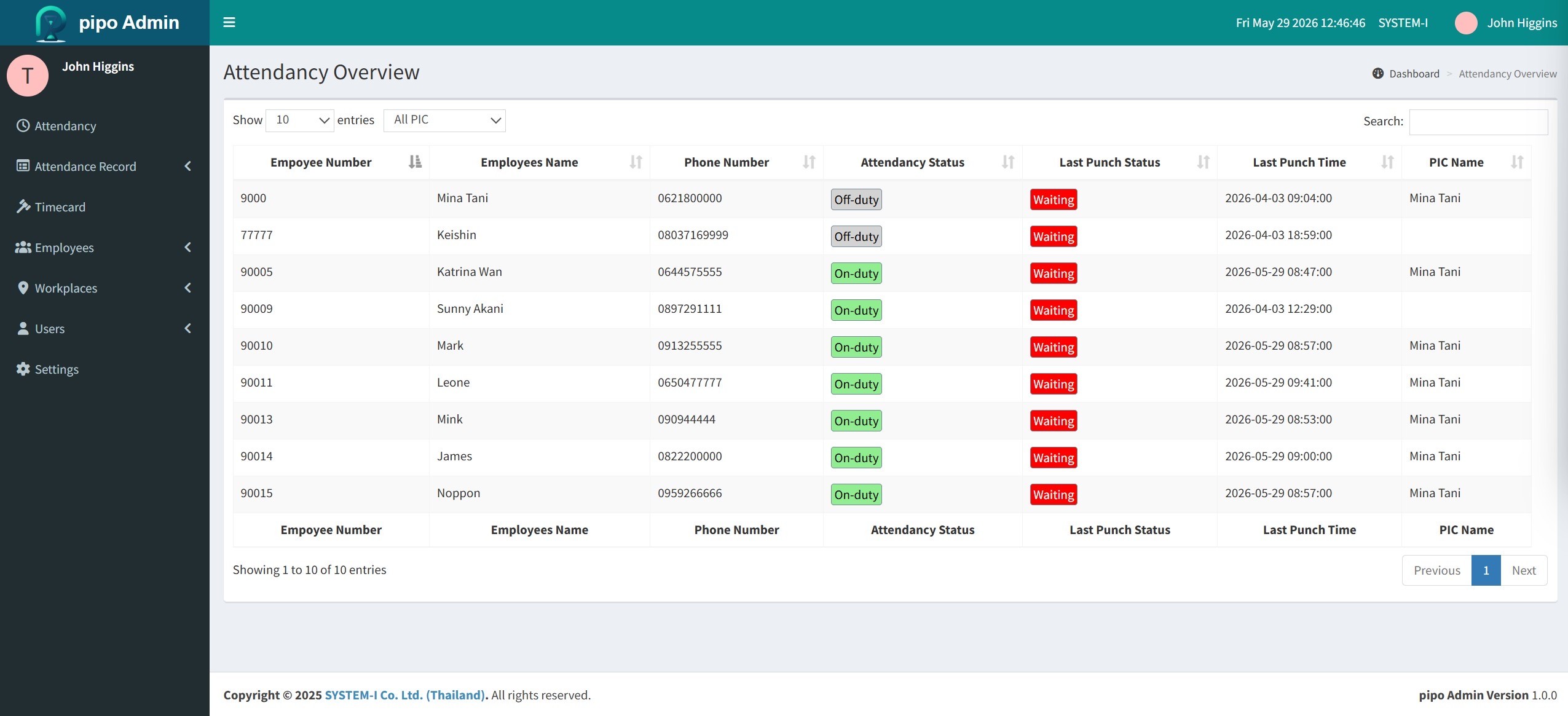
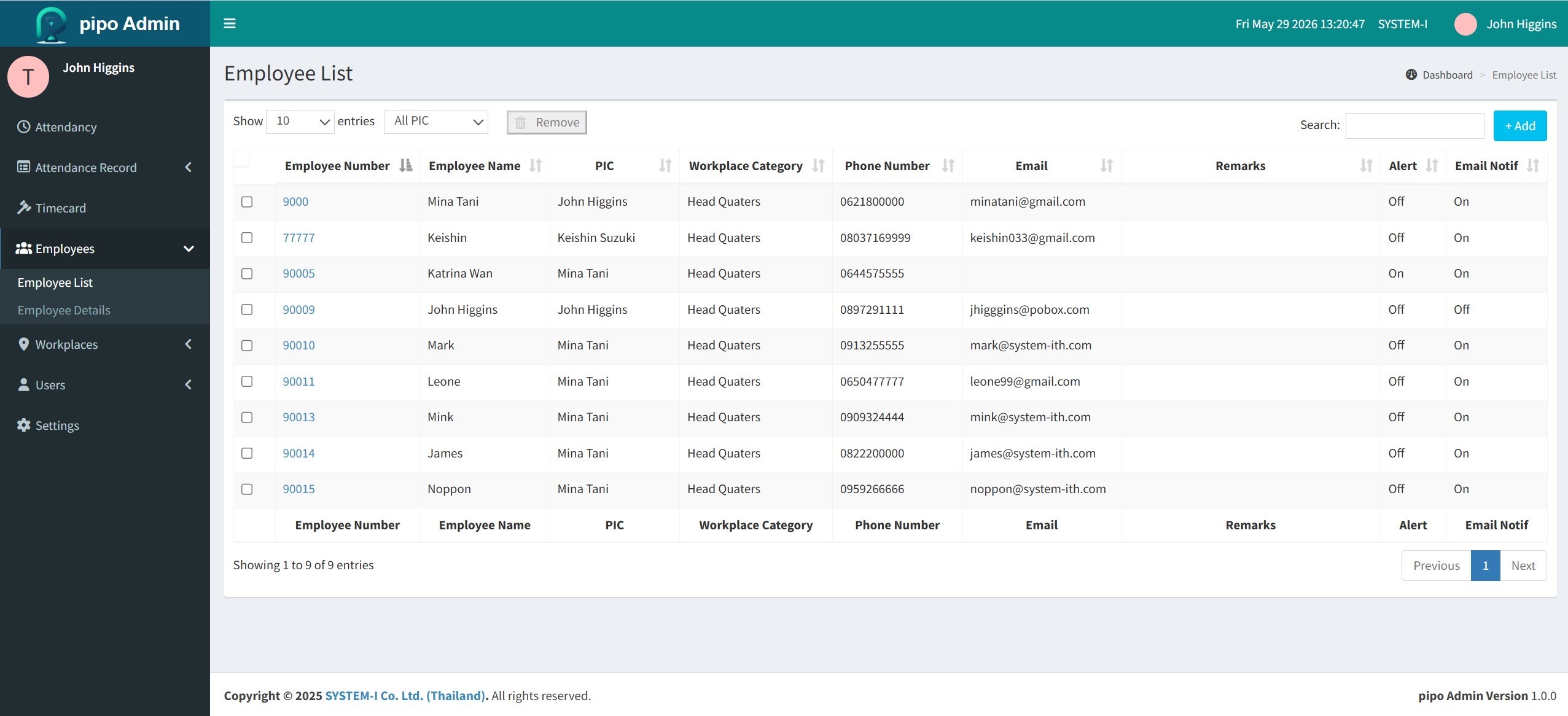
Log in to access a real-time attendance dashboard to register employees, assign workplaces, and monitor live check-in/out across all sites. Manage, review, and export attendance records easily for full workforce control.
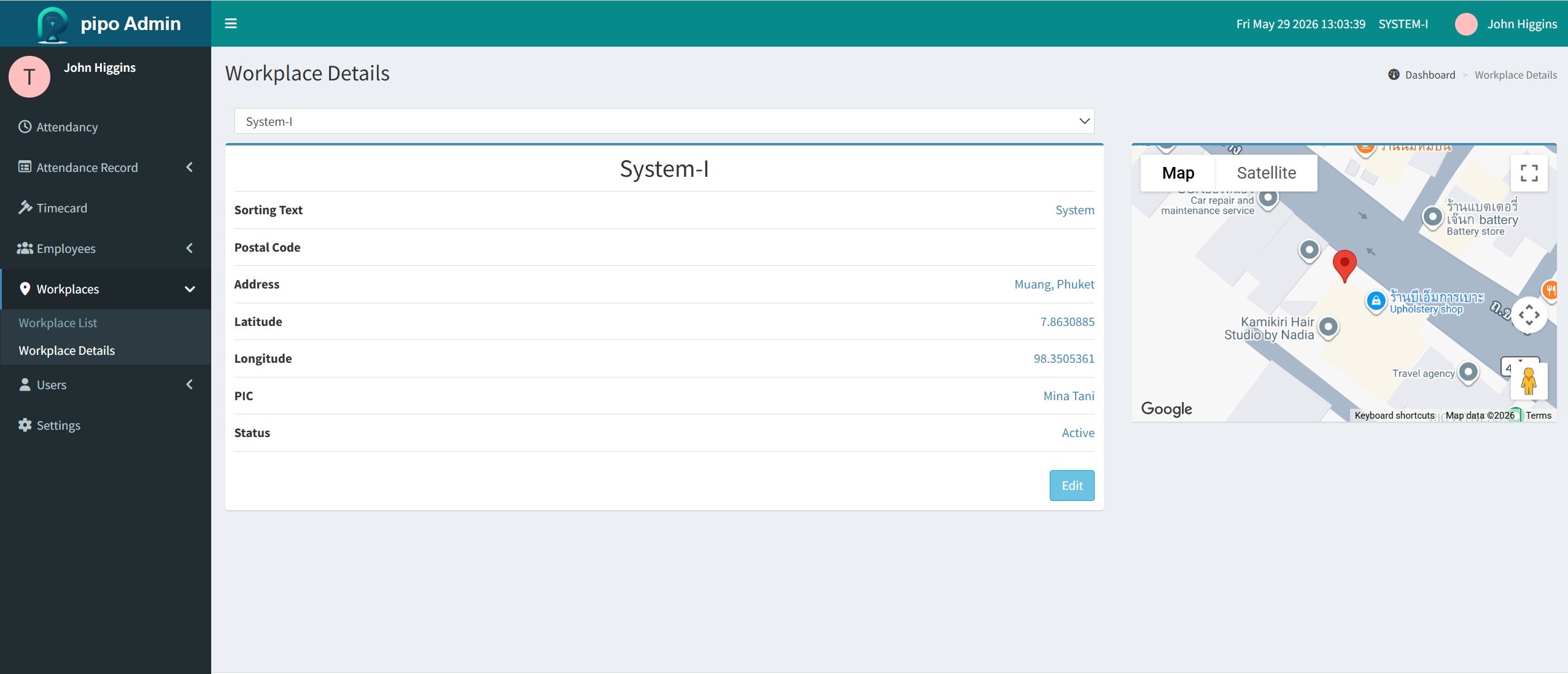
With GPS location capture, every check-in and check-out is accurately recorded for transparent tracking. Multi-location support with map view enables real-time monitoring of all workplaces, ensuring efficient and reliable attendance management.
From Attendance Data to Actionable Insights
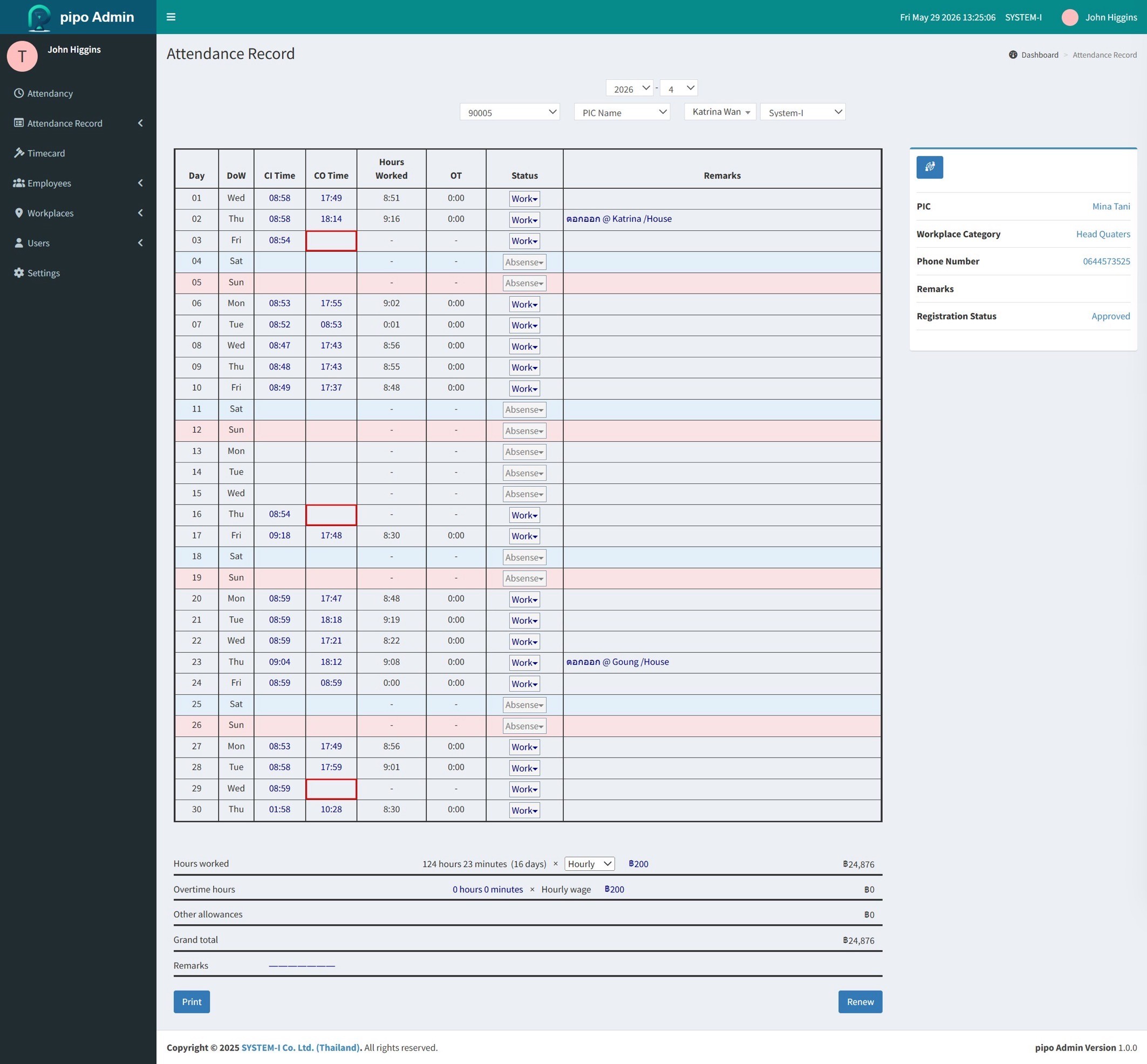
The pipo management dashboard provides real-time attendance monitoring with GPS-verified check-in/out records and automated monthly report generation. Attendance summaries can be easily reviewed and exported as PDF reports for accurate workforce tracking and management.
How It Fits Your Workflow
How pipo Fits Your Workflow
Step 1
Register and Configure
Step 2
Track in Real Time
Step 3
Export and Analyze
SPECIFICATIONS
System Requirements
Common questions
Which countries and regions does pipo currently support?
pipo is currently deployed in Japan and Thailand and is available globally without regional limitations. The platform supports native multi-language functionality in English, Thai, and Japanese.
How does the GPS feature work, and is it always active?
Can pipo manage employees across multiple facilities from a single account?
How does pipo handle attendance reporting and payroll preparation?
Is pipo suitable for large workforces with shift-based schedules?
Start Free Trial
Try pipo for 30 Days